
Mastering Physical
AI Engineering
Structured technical paths in CAD geometry, finite-element reasoning, manufacturing and engineering AI — written for working engineers and for the students who will become them. Every path connects to real ZylForge documentation, not to a certificate we do not issue.
Learning paths
Eight disciplines that together form a physical-AI engineering education. Work them in any order — but geometry comes before simulation, and verification comes before trust.
Parametric CAD
Sketch constraints, dimensional intent and history-based modelling that survives design change.
B-Rep Geometry
Boundary representation topology, NURBS curves, analytical surfaces and curvature-continuous edges.
Mechanical Design
Assembly structure, tolerance stacks, GD&T fundamentals and design-for-manufacture reasoning.
FEA & Simulation
Mesh strategy, boundary conditions, load cases and reading a stress result critically.
Manufacturing & CAM
Toolpaths, fixturing, CNC planning and the constraints that decide whether a part is makeable.
Fabrication
Joining, welding, metrology and shop-floor practice — where the drawing meets the material.
Engineering AI
How AI is applied to engineering work: assistance, retrieval and verification — with limits stated plainly.
Verification & Evidence
Checking results, recording provenance and separating a verified claim from an assumed one.
From sketch constraint
to stress result
The longest path on the platform: take a constrained sketch, build a feature tree, resolve it to a B-Rep solid, mesh it, load it, and read the result without fooling yourself. It is the module that ties every other path together.
- Constraint solvers and why over-constraint breaks models
- Feature regeneration order and design-change resilience
- Mesh convergence — knowing when a result has settled
- Reading a stress plot critically, not decoratively
- Recording what you checked, and what you did not

The learning journey
Five stages from first principles to professional practice. These are stages of competence, not credential levels — Zylvex does not issue certificates, and we will not imply otherwise.
- STAGE 01
Beginner
Engineering drawing literacy, units, tolerances and how parts are described before they are made.
- STAGE 02
Foundation
Sketching with constraints, solid primitives, feature trees and reading a section view.
- STAGE 03
Practitioner
Full part modelling, assemblies, load cases and preparing geometry for manufacture.
- STAGE 04
Advanced
Complex surfaces, curvature continuity, simulation setup and multi-stage process planning.
- STAGE 05
Professional
Design review, evidence trails, standards-aware documentation and cross-discipline handover.

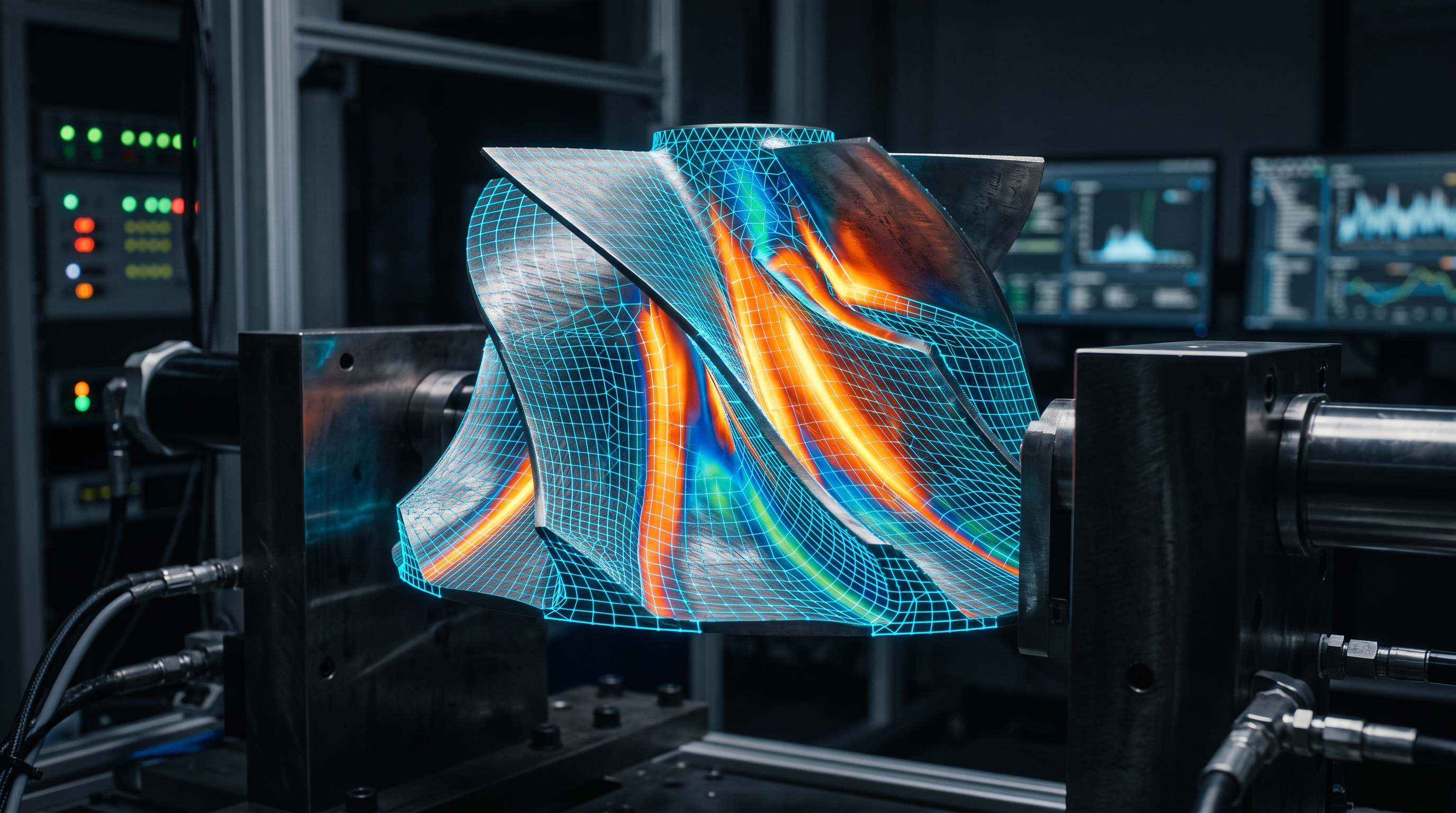
Concept visual — geometry meets mathematics
A topology is a
promise about adjacency
Faces, edges and vertices are not decoration on a shape — they are a graph that says which surfaces touch, where a fillet is allowed to run, and how a mesh will propagate load. Break the graph and the model silently misbehaves downstream.
if (!solid.isValid()) {
throw new BrokenManifold("open edges");
}
Learning ends where documentation begins
The Zylvex documentation architecture is the reference layer behind every path — engineering specifications, architecture notes and evidence conventions. Where a document is still planned rather than published, the docs index says so.
ZylForge technical assistant
A local assistant lives inside ZylForge itself — it sits alongside your model, not beside the footer of this page. Here, the documentation links below are the honest route to answers.
Why this learning
material exists
Zylvex develops educational engineering material with the AERI initiative in mind — the goal being that structured technical learning reaches African engineering students and young builders, not only established practitioners.
The paths on this page are written so they can be taught: prerequisites stated, assumptions made explicit, and nothing that requires proprietary tooling a student lab cannot run.
About AERI

Start with geometry. End with evidence.
Open the documentation to see how these ideas are specified in ZylForge, or look at the product itself to understand what the learning is for.